
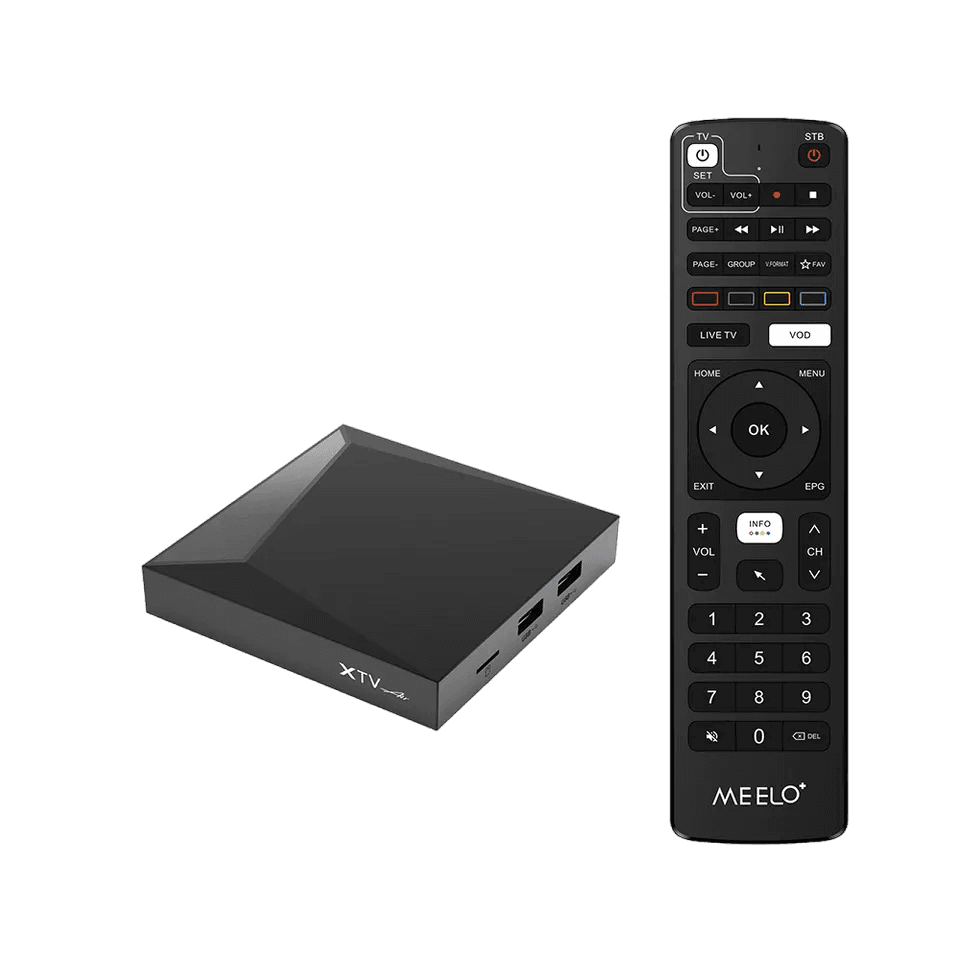
Android box & XTV Air Pro
Get watching on an XTV Air Pro or any Android TV box.
About 5 minutes4 steps
You'll need
- Your box plugged into the TV (HDMI) and the internet
- Your login details from our email
- 1
Connect the box
Plug the box into your TV with the HDMI cable and power it on. Use an Ethernet cable to your router if you can — it's steadier than Wi-Fi.
- 2
Open your IPTV app
The XTV Air Pro comes with MYTVOnline already installed. On other Android boxes, install IPTV Smarters Pro or TiviMate from the Google Play Store.
- 3
Add your service
In MYTVOnline, add a portal using the link from our email — we'll have asked for the MAC address shown on screen. In Smarters or TiviMate, sign in with your username and password.
- 4
Start watching
Give the channel list a minute to load the first time, then pick a channel from the guide.