
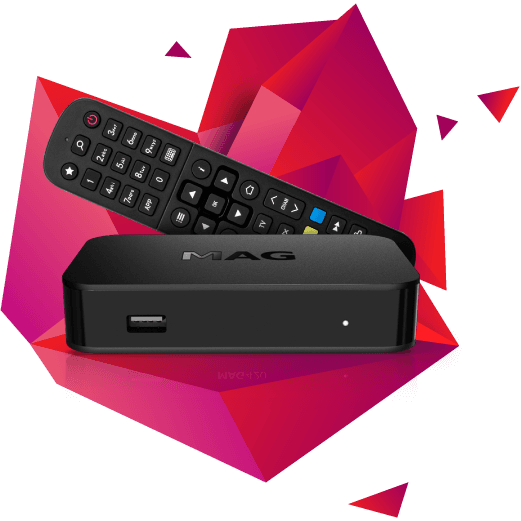
MAG box
Add our portal to your MAG box using its MAC address.
About 5 minutes4 steps
You'll need
- The MAC address from the sticker under your box
- The portal link from our email
- 1
Send us your MAC address
Find the sticker under your MAG box — the MAC address starts with 00:1A:79. Send it to us when you order or ask for a trial, and we'll activate it.
- 2
Open the portal settings
On the box, go to Settings → System settings → Servers → Portals.
- 3
Enter the portal
For Portal 1, type any name (for example “Tdot”) and enter the portal link from our email exactly as written. Press OK to save.
- 4
Restart the box
Go back to the settings menu and choose Reboot. When the box starts up, your channels load.